I stumbled upon this thread trying to find a solution to replace a canned report + manual process with a clean MS Excel spreadsheet. I LOVE the solution provided, but my OCD couldn't stop me from comparing the new process results with the old. The counts are so close it makes me question my previous process or the new formula. I've looked and I couldn't find the records which caused the count difference. At this point I feel like I'm looking for a needle in a haystack and was hoping someone had an easier process to see why/where my counts are off.
Previously a report would run for the previous month. I would generate a formula to remove the duplicates. The report gives Record-A that overlaps with Record-B, and also that Record-B overlaps with Record-A, this is manual process 1. Then I would take the resulting not-duplicated records, copy them to a new sheet and perform counts, generate a pivot table and then perform percentages based on total records, this is manual process 2.
The new process is much cleaner; I'm hoping that the issue is with my previous process.
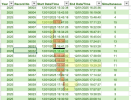
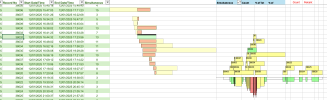
I have attached the spreadsheet which shows last month's records using the old/new format. I greatly appreciate your time and assistance.
Previously a report would run for the previous month. I would generate a formula to remove the duplicates. The report gives Record-A that overlaps with Record-B, and also that Record-B overlaps with Record-A, this is manual process 1. Then I would take the resulting not-duplicated records, copy them to a new sheet and perform counts, generate a pivot table and then perform percentages based on total records, this is manual process 2.
The new process is much cleaner; I'm hoping that the issue is with my previous process.
I have attached the spreadsheet which shows last month's records using the old/new format. I greatly appreciate your time and assistance.